

The first steps
Use of the AutoLogg box
How does it work?
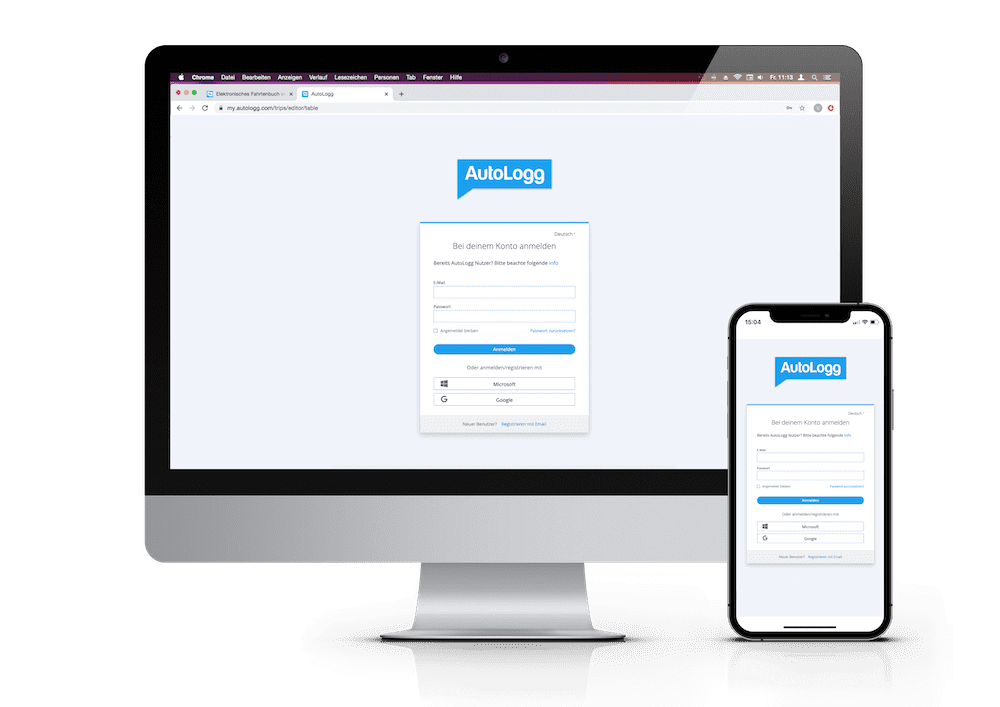
Step 1: Register once at my.autologg.com.
Step 2: Plug the box into the vehicle. This is done in just a few steps.
Step 3: Download the app from the Google Play Store or iTunes Store and log in with your registration data. Please note: It can take up to 20 minutes for the first trip to be displayed in the app. After the first trip, you will be asked for the current mileage in the app once.
Step 2: Plug the box into the vehicle. This is done in just a few steps.
Step 3: Download the app from the Google Play Store or iTunes Store and log in with your registration data. Please note: It can take up to 20 minutes for the first trip to be displayed in the app. After the first trip, you will be asked for the current mileage in the app once.
Where is the AutoLogg box plugged in?
The OBD slot is usually located under the steering wheel in the footwell area (1) of your vehicle. Please note that there may also can be a cover over the slot.
This is where the OBD2 slot is usually located:
(1) Area between steering wheel and footwell
(2) Area on the left below the steering wheel
(3) Area on the right below the steering wheel
(4) Center console
(5) Glove box
Why is the LED of the box flashing?
When the AutoLogg box is plugged into the vehicle, it flashes continuously for a short time. This means that the box establishes a connection to the server. After a short break, the box flashes every 30 seconds, starting when the ignition is switched on. That’s how it should be.
Where is the key entered?
The AutoLogg Key is required to create your user account and is entered once when registering on the web portal.
How high is the power consumption?
The AutoLogg box requires little power. To avoid unnecessary strain on the battery, it is necessary to unplug the box from the vehicle when it is parked for longer periods of time. What do you consider to be longer periods of inactivity? If the vehicle battery is left standing for several days, it may become deeply discharged. Deep discharge can result in damage to the vehicle battery or even total failure. To prevent this, it is therefore necessary to disconnect the hardware (AutoLogg box or AutoLogg dongle) from the vehicle if the vehicle is not moved for more than 7 days.
Use of AutoLogg Connected
How does it work?
Step 1: Register once at my.autologg.com.
Step 2: Connect your vehicle to AutoLoggby entering the VIN (vehicle identification number) of your vehicle and then register with our partner. You will then receive 2 emails – one from our partner and one from the manufacturer – with a request to approve the data transfer. Please complete your details and confirm the data transfer required for the driver’s logbook. Please note that the emails may also be in the spam folder.
Step 3: Download the app from the Google Play Store or iTunes Store and log in with the registration data you have previously set by yourself. Please note: It may take a while before the first trip is displayed in the app.
Step 2: Connect your vehicle to AutoLoggby entering the VIN (vehicle identification number) of your vehicle and then register with our partner. You will then receive 2 emails – one from our partner and one from the manufacturer – with a request to approve the data transfer. Please complete your details and confirm the data transfer required for the driver’s logbook. Please note that the emails may also be in the spam folder.
Step 3: Download the app from the Google Play Store or iTunes Store and log in with the registration data you have previously set by yourself. Please note: It may take a while before the first trip is displayed in the app.